NinjaTrader Add-ons.
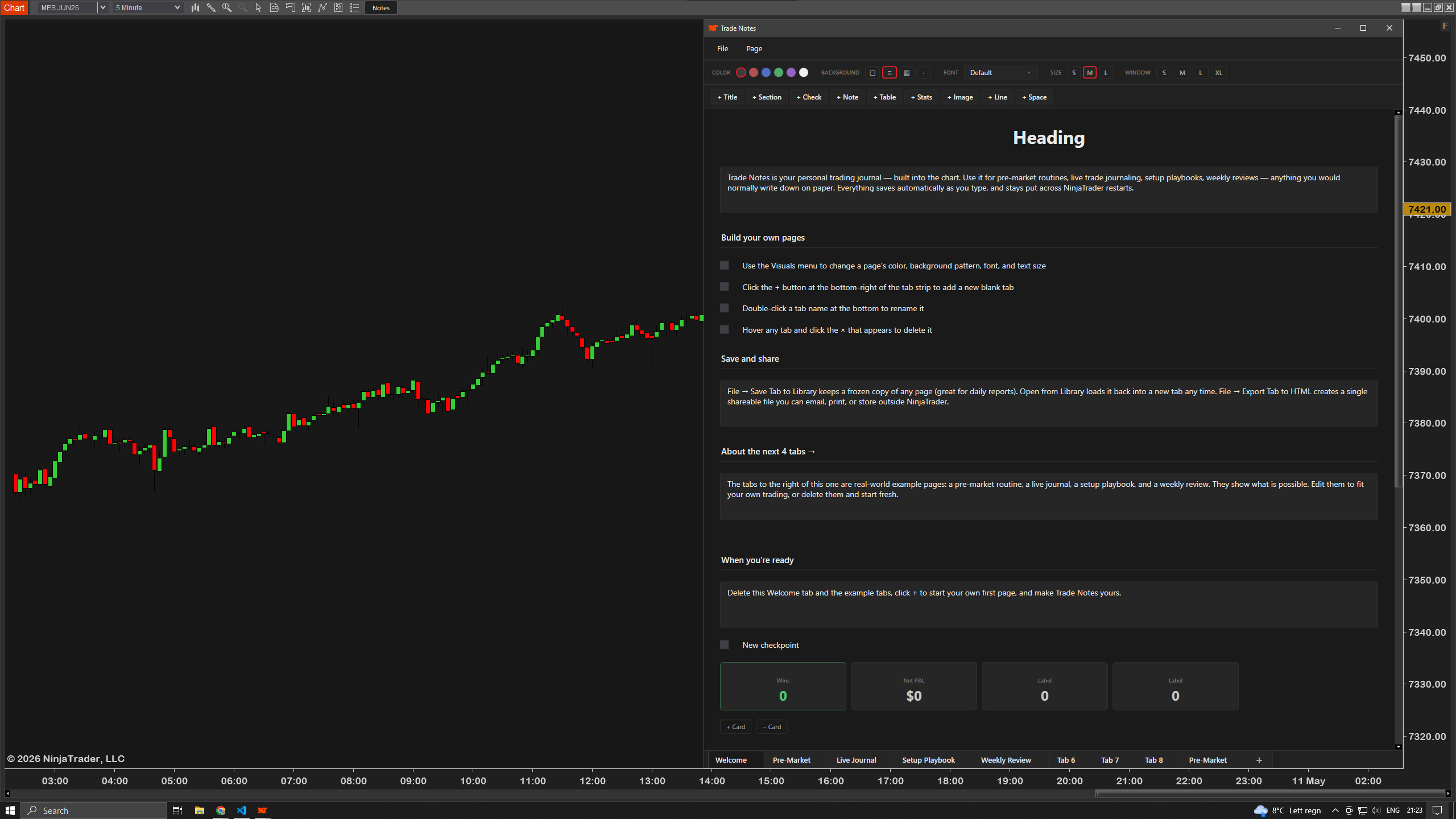
TradeNotes
FREE
See more →
- Persistent notes panel — opens from chart header
- 3 customizable tabs for any content you write down
- Section headers, checkboxes & multi-line notes
- Build your own template once, reuse every day
- Auto-saves everything — checks, edits, text
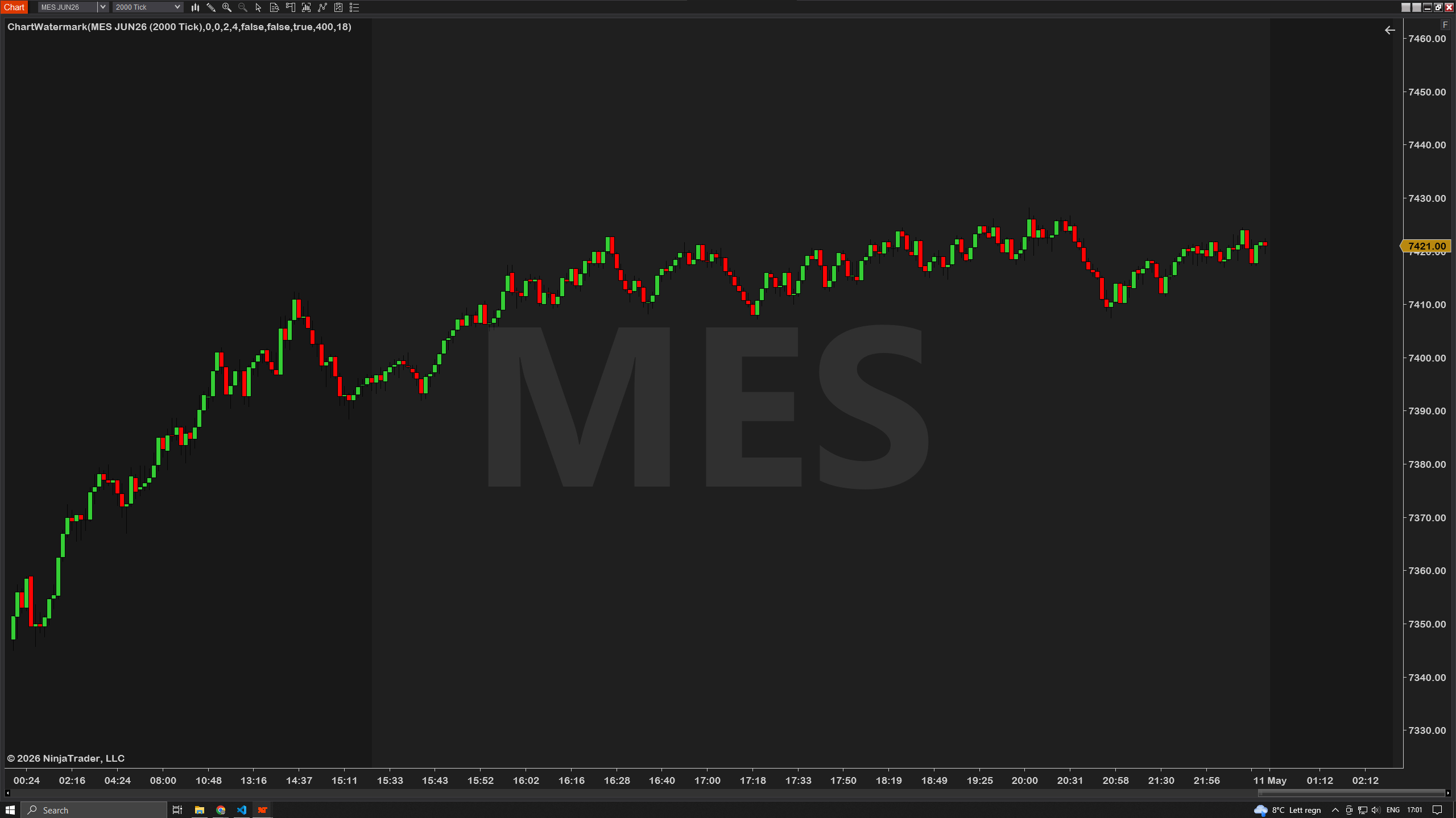
ChartWatermark
FREE
See more →
- Big-text instrument watermark
- Symbol, contract, timeframe, or bar type
- 8 theme presets ready to use
- 9 anchor positions with pixel offsets
- Drop shadow, outline, 15 fonts
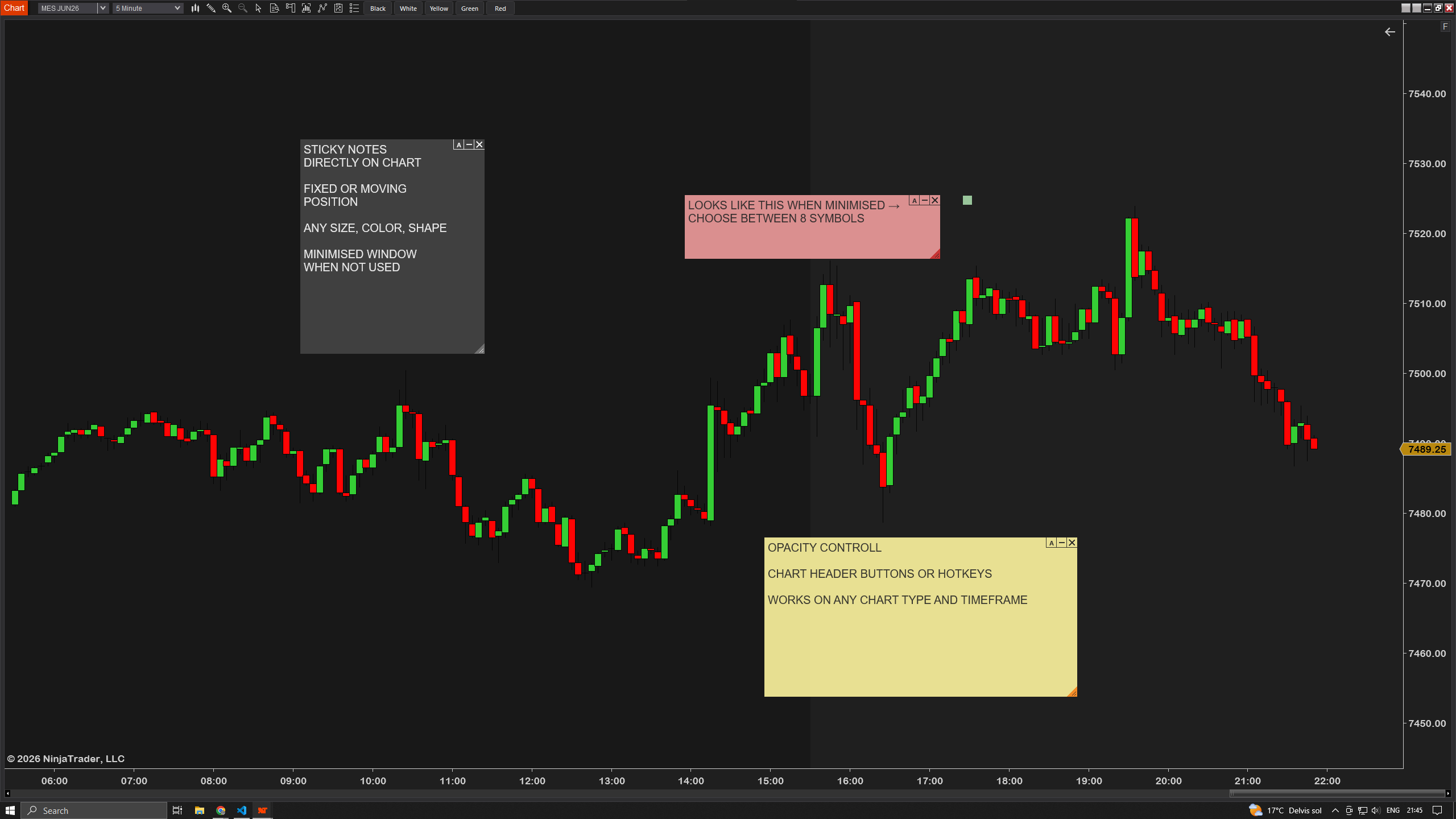
StickyNotes
FREE
See more →
- Two anchor modes — sticky to bar & price or pinned to viewport
- 10 color templates + 8 minimized icon shapes
- Drag to reposition, drag corner to resize
- Toolbar + right-click "Add note here" — instant placement
- Persists across NinjaTrader restarts
TradeLockout
- One-click lockout — stops every order type
- Normal & Hardcore enforcement modes
- Custom lockout duration — hours, days or EOD
- Hardcore mode survives add-on removal
- Built for tilt prevention & prop-firm rules
OrderInfo
- Live $ value & tick distance on every order line
- Auto-updates as price moves — no lag
- Risk in dollars from entry to stop
- Reward in dollars from entry to target
- Per-instrument tick value baked in — ES, NQ, CL, GC all just work

TradeTracker
- Live trade logging with P&L tracking
- Deposits tracked separately from P&L
- Full HTML report export engine
- Floating WPF dashboard overlay
- Persistent XML storage between sessions
Futures Dashboard
- ES / NQ / YM / RTY correlation signals
- SD-normalized beta divergence scoring
- Rolling divergence windows
- Real-time multi-instrument overlay
SpeedEntry Tool
- Preset stop/target configurations
- Multi-account selector built in
- Re-activation bug fixed vs default
- Keyboard shortcut compatible
ProToolbar
- Customizable button bar with quick-access trading actions
- One-click flatten, reverse & cancel-all-orders
- Hotkey shortcuts for every action
- Drag-anywhere positioning, persists across sessions
- Save and switch between multiple toolbar presets
NewsReport
- Pulls news from 8+ official RSS feeds (Fed, BLS, EIA & more)
- Time window selector — last 24h, last week, custom range
- Category filters — Fed/rates, econ data, energy, metals, indices
- Floating window with one-click “Get News” refresh
- Each item shows timestamp, source, headline & summary
ProCrosshair
- Custom Y-axis label — ticks, $ or % from anchor
- Custom X-axis label — minutes from open, time to close
- Per-axis color, thickness & dash style
- Multi-chart sync across timeframes
- Hotkey to mark price & lock crosshair in place
TradePlanner
- Drag entry, stop & target lines directly on the chart
- Live risk in $ and reward in $ as you move the lines
- Auto-calculated position size from your risk %
- Up to 3 targets per trade with per-target sizing
- Per-instrument tick value baked in — ES, NQ, CL, GC all work